Custom items
Pick a base item, assign a model, set a selector — Packwright groups every item on the same base item into one nested item definition using range_dispatch and select. Colliding values are reported before you build.
For Minecraft servers on 1.21.4 and up
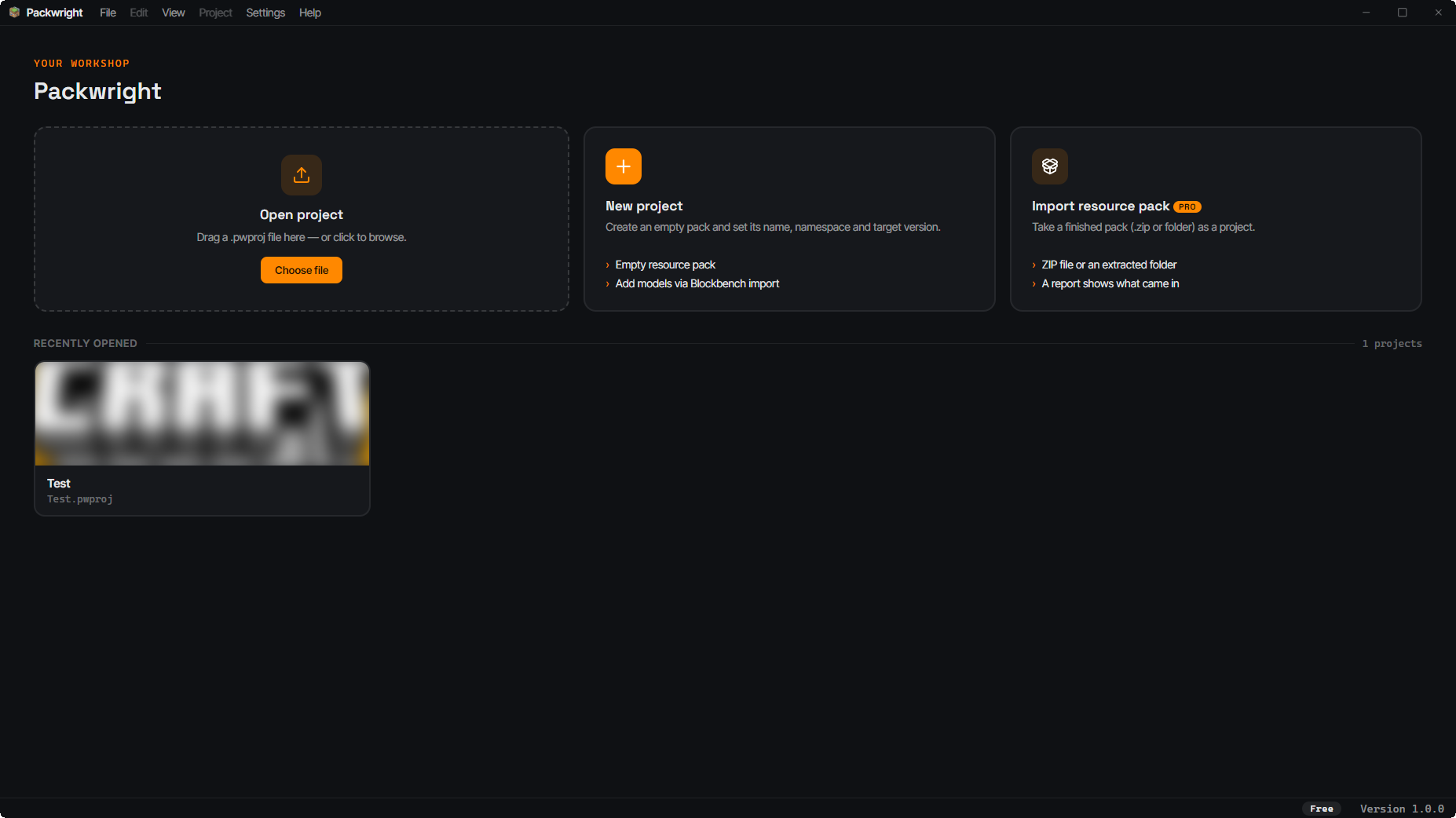
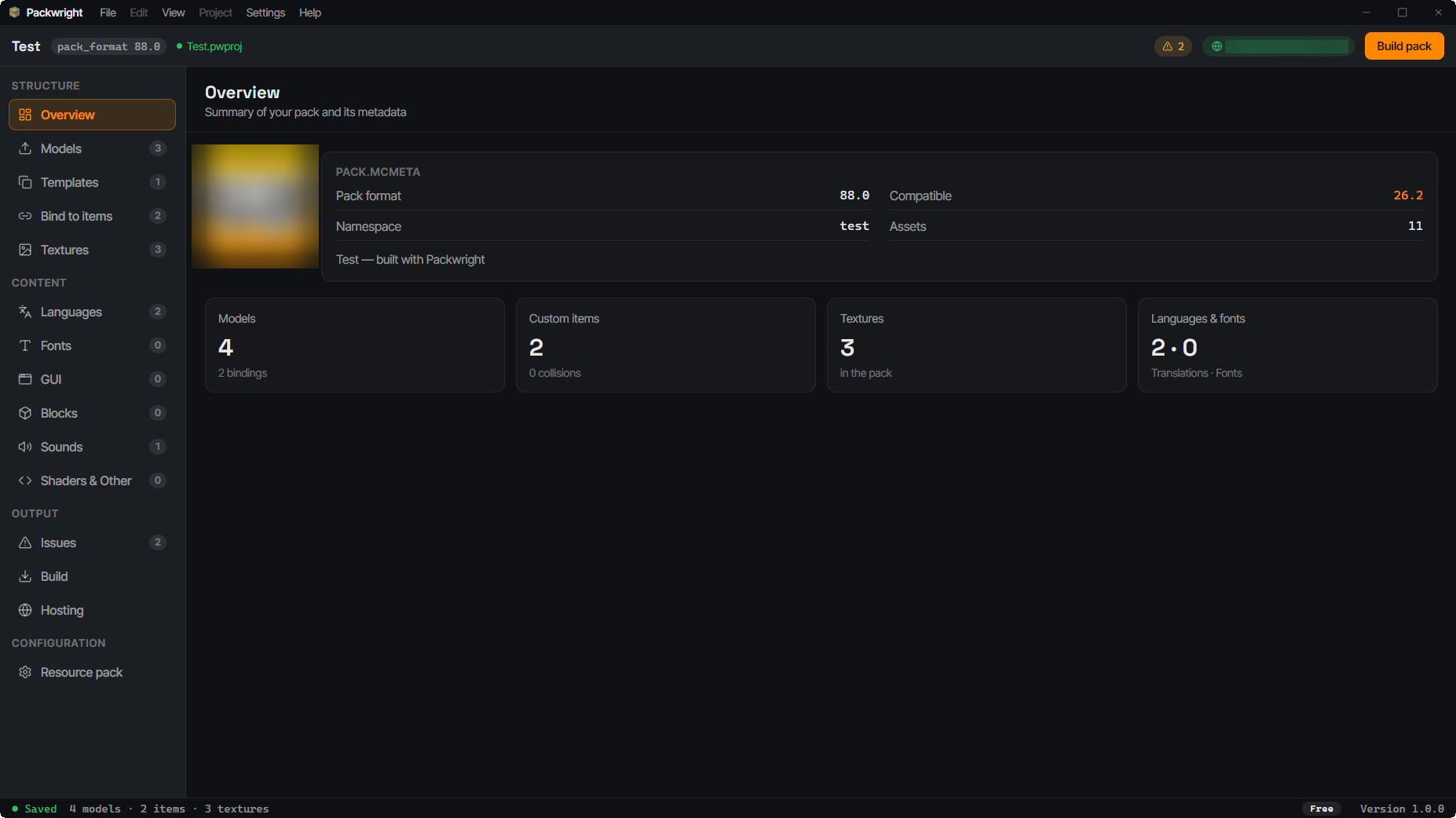
Packwright is a desktop studio for Minecraft resourcepacks. You design items, GUIs, sounds and fonts in real editors — Packwright produces the correct file layout, the item definitions, and a .zip with the SHA-1 your server.properties needs.
Windows — no account needed
The problem
One custom item needs a model, a texture, an entry in the item definition, and a custom_model_data value no other item has taken. At thirty items you are maintaining that across thirty JSON files at once — and a typo in a path only surfaces once a player is holding a purple-and-black checkerboard.
Two items on the same base item with the same selector are something Minecraft cannot tell apart. By hand, you will not notice.
pack_format, min_format/max_format, which dispatch types are allowed — every Minecraft release moves the rules a little.
Otherwise you find out whether a model sits right after a pack upload, a server restart and a reconnect.
Features
No folder tree you have to lay out correctly yourself: Packwright knows the categories and writes the layout at build time.
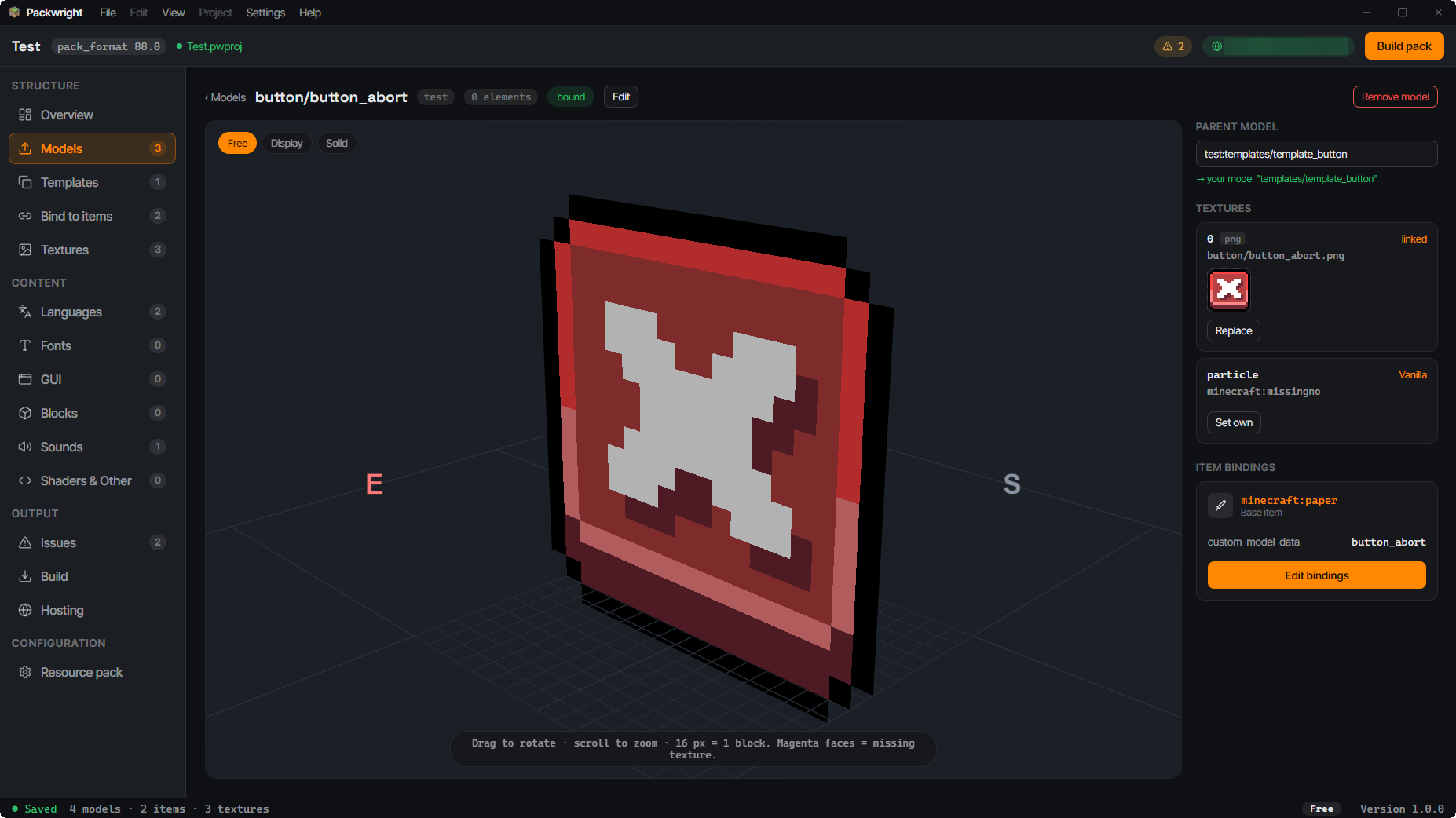
Pick a base item, assign a model, set a selector — Packwright groups every item on the same base item into one nested item definition using range_dispatch and select. Colliding values are reported before you build.
.bbmodel files land in the project as a model plus its textures, with rotations baked into the geometry. The preview resolves parent chains against your own models — so template models with several texture variants look the way they will in game.
Custom inventory backgrounds and buttons using stretch, tile or nine_slice — with a pixel-accurate live preview of the scaling, instead of guessing and re-uploading.
Import ogg files, map them to events, see the waveform and audition them right there. Volume, pitch, weight, subtitle and the replace flag all end up in sounds.json automatically.
Bitmap sheets and TTFs as providers, with a glyph preview over the actual sheet — plus a generator for negative-space glyphs that let you align chat and GUI overlays to the pixel.
Frame timing, frame size, custom frame order and interpolation in the editor, with a live preview in 2D and on the 3D model itself. Packwright only writes the .png.mcmeta when you actually set something.
Not only items: block models with their own target path, and a blockstate editor for variants including rotation and uvlock.
Maintain translation keys in a table and export them as lang JSON — for item names, subtitles and everything else your pack names.
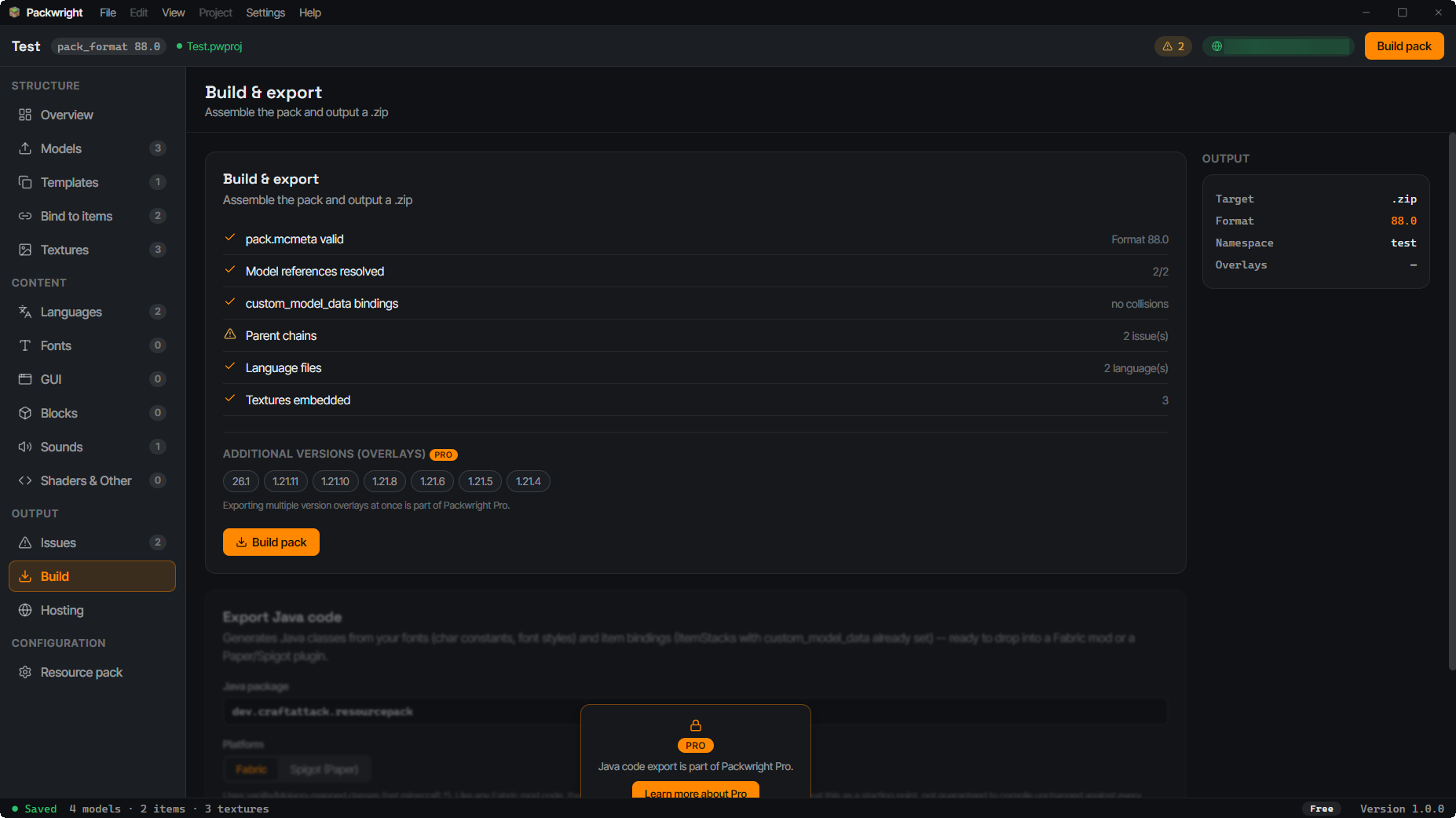
Overlays build your project for multiple target versions at once: the primary version in the pack root, every other one as an overlay directory containing only the files that differ. With Pro.
You do not start from zero. Packwright reads an existing pack and takes along even the files it has no editor for — shaders, panoramas and particles survive a reimport and rebuild untouched. With Pro.
For Fabric or Spigot: Packwright turns your custom items straight into compilable Java code, instead of you rebuilding the item definitions by hand. With Pro.
Files Packwright has no editor for — shaders, particles, panoramas, equipment assets — carried through the build unchanged. With Pro.
An issues page collects everything that would break the pack in game: duplicate selectors, font providers without a sheet, broken parent references. Visible before the server ships the pack.
How it works
An empty project or a preset for custom-item packs or GUI and font packs. A project is a single portable file.
Import models, create items, slice sprites, map sounds — in editors that actually understand each category.
A version profile describes what the target version can do. Packwright checks your pack against it and reports what will not work there.
One click produces the .zip and the SHA-1. Both go straight into server.properties — or, with Pro, hosting delivers a finished URL instead.
Hosting
A resourcepack has to live somewhere the server can download it from. With Packwright Hosting you publish straight from the app: you get a stable URL for your pack that always serves the current version. You put it in server.properties exactly once — every publish after that is one click, with no FTP, no renaming files, no fresh link in Discord. Connecting your account is always free; publishing itself is part of Packwright Pro.
# Set it once — everything after that happens in the app
require-resource-pack=true
resource-pack=https://packs.packwright.app/survival.zip
resource-pack-sha1=3f7a9c1e5b2d8046a1cf93be27d5081af6c4e2b9
Target versions
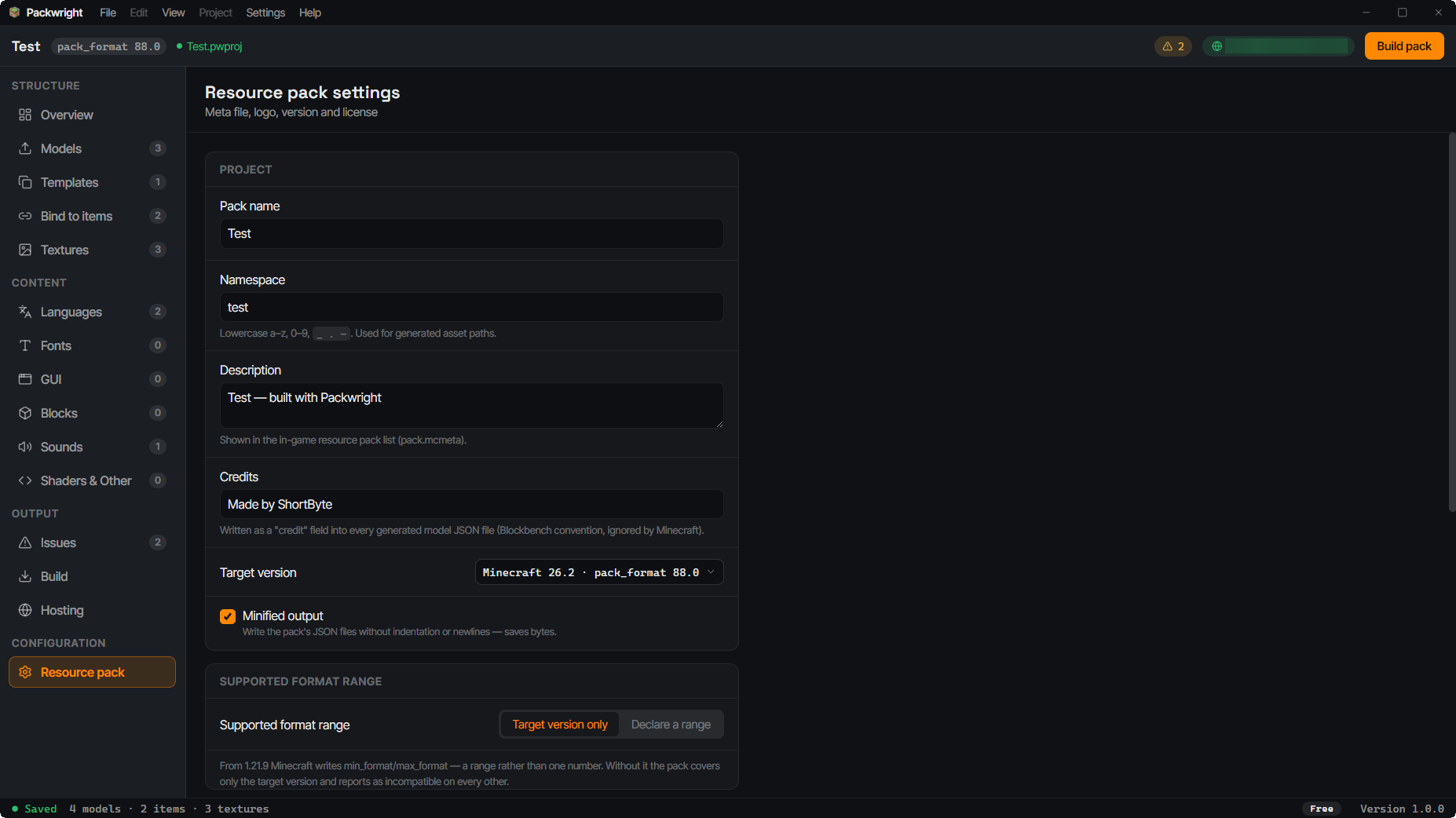
Packwright builds on the item-definition system introduced in 1.21.4 — no CMD predicate overrides, no .lang files. Every target version is its own profile describing which dispatch types and which pack.mcmeta shape apply there. Your project stays version-neutral; you pick the version at build time.
Roadmap
Packwright is under active development — with your feedback.
New editors and functionality keep landing.
Post feature requests and bugs you find straight in our Discord.
More Minecraft versions get added over time, each as its own profile.
Questions
No. The app runs entirely locally and your projects are files on your disk. You only need an account if you want to use the optional hosting.
Yes, with Pro. Packwright can import an existing pack. Files in known categories land in the matching editors, and everything else is passed through unchanged and shipped again on the next build.
Every version with the modern item-definition system, currently 1.21.4 through 26.2. Older versions using CMD predicate overrides are deliberately not the target.
No, it works with it. You still build models in Blockbench and import the .bbmodel — Packwright handles everything after that: texture paths, item definition, preview and build.
Neither. Packwright is a desktop application that produces a .zip. On the server you only change two lines in server.properties — players install nothing.
The desktop app is free to use, with up to 25 item bindings per project and every editor available. Pro unlocks unlimited bindings, resourcepack import, multi-version export, Java code export, raw-asset passthrough, and publishing through Packwright Hosting, among other things.